Save time with automation
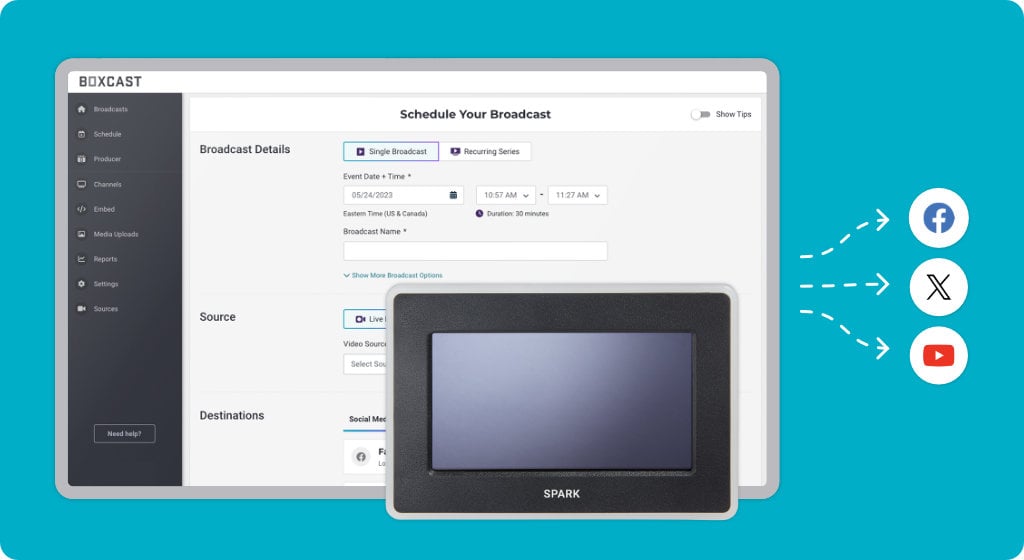
Our easy-to-use, automated technology saves you time and effort. Schedule your broadcasts in the BoxCast Dashboard to automatically stream anywhere your fans are watching.

|
BoxCast Streaming BoxCast Flow BoxCast Spark Broadcaster App BoxCast Producer Third-Party Encoders |
|
BoxCast RemoteMix Compatible Mixers Mixing Station Works with BoxCast RemoteMix |
|
BoxCast OTT Apps |
INDUSTRIES
House of Worship
Reach and engage your congregation wherever they worship
Sports
Stream games with professional quality for fans everywhere
Local Government
Bring transparency and connection to your community broadcasts
Business
Power your corporate events, webinars, and live streams
LEARN
Blog
Insights, trends, and tips for the audio/video community
Tech Tips
Quick how-tos and deep dives on the latest streaming technology
Guides
Essential tips and expert strategies to expand your reach
Newsletter
Stay up to date with product news, best practices, and more
Podcast
Hear stories and strategies from our customers and experts
DISCOVER
Customer Stories
Explore real-world success stories to inspire your organization
Webinars
Get all the details and register for our next live webinar
Events
Join us at an upcoming conference and meet with our team
Our easy-to-use, automated technology saves you time and effort. Schedule your broadcasts in the BoxCast Dashboard to automatically stream anywhere your fans are watching.

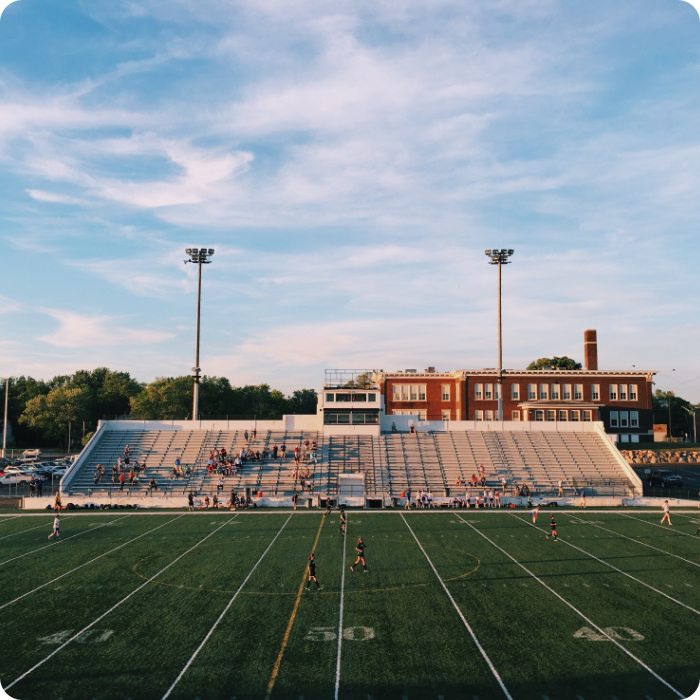
Broadcast HD sports and share with unlimited viewers — wherever they're tuning in. Send streams to your website, Facebook Live, YouTube Live, X (Twitter), and more!
BoxCast Flow, our sophisticated, built-in streaming protocol, lets you stream super-reliable live UHD video without compromising quality or security. It works with our hardware or your iOS device to ensure flawless, professional-quality broadcasts — even if your internet connection is less than ideal.
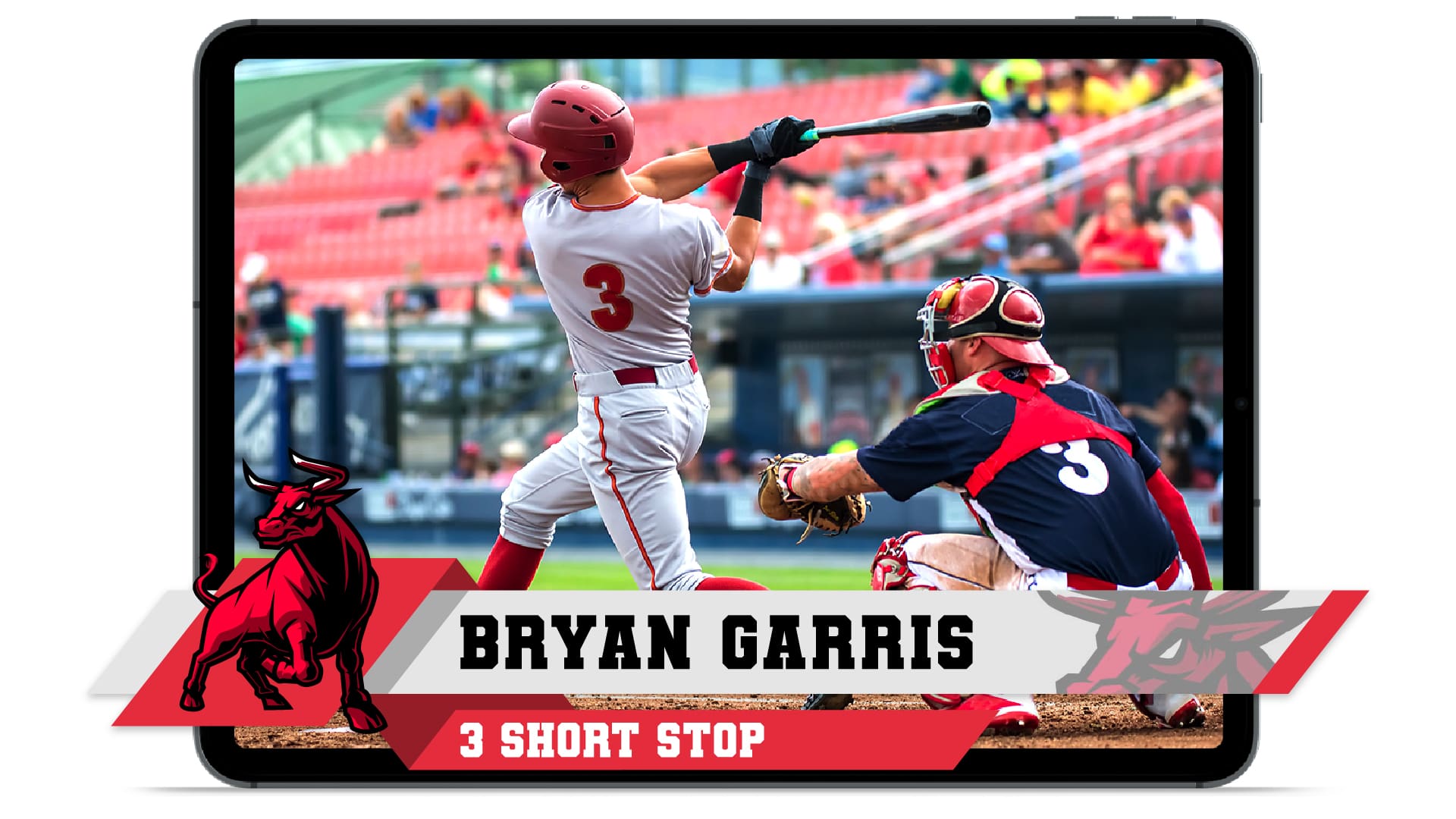
Capture top plays and share them on social media by quickly clipping highlights mid-broadcast or after your broadcast is over. Use graphic overlays to add your team's logo or watermark, insert player or game information, overlay your social media icons, and use the full-screen overlay for announcements.

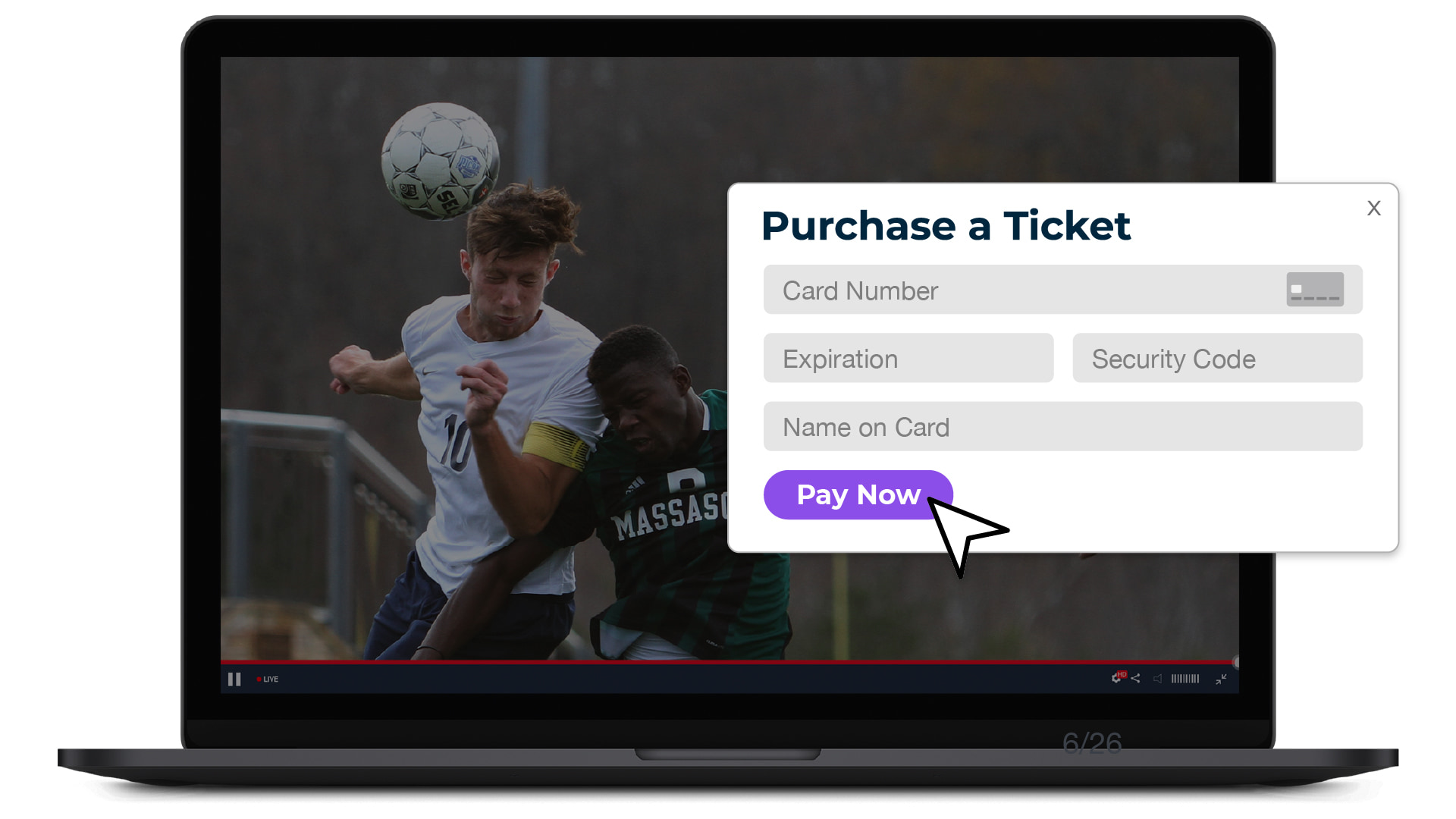
Use our ticketing or donations feature to make money with your broadcasts — whether you live stream high school football games, college tennis matches, or any other sporting event. Easily set a ticket price or enable donations for fans tuning in to games from home and let us handle the processing and details.

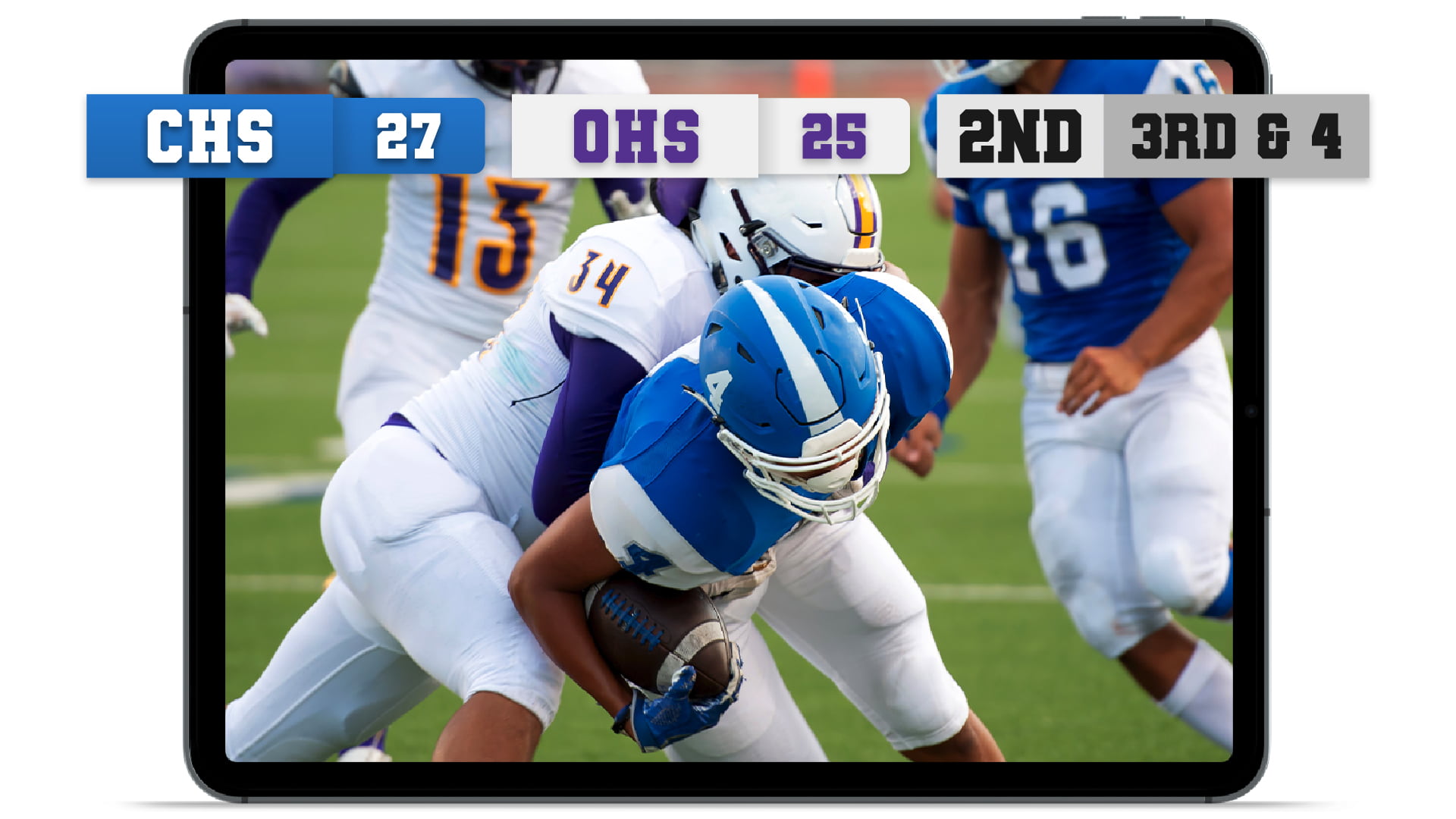
Got a tournament or games happening at the same time? No problem! With concurrent broadcasts, you can stream two or more overlapping sporting events simultaneously. Keep your viewers in the game by overlaying a scoreboard on your broadcast and controlling it from your computer, phone, or tablet. Or, to give your fans a really game-changing experience, capture and share scores in real time using BoxCast Scoreboard Assist.

Stream from anywhere using your iOS device, or use any video camera with our BoxCast Spark encoder. Prefer to use BoxCast with your current RTMP or SRT encoder? No problem. Our flexible hardware and live sports streaming software solutions make broadcasting a breeze for everyone on your team — from sports information directors to student volunteers.
Need help? You can count on us. Our friendly U.S. based streaming coaches are here seven days a week to field any questions you might have via chat, email, or phone.
Monday – Saturday: 9 a.m. – 9 p.m. EST
Sunday: 7 a.m. – 8 p.m. EST
We want our product to reach people outside our community — live streaming helps with branding and recognition. We are now live streaming all events. We have added tennis, soccer, swimming, and diving to our stream schedule, and now we are doing more streaming with an iPad.
Yes. You can use our BoxCast Scoreboard Assist hardware to connect your scoreboard to a BoxCast encoder, which automatically displays the score on your live stream.
That’s okay. BoxCast offers a manual scoreboard for most sports that you can control and update in real time from a computer, tablet, or phone.
A hardline Ethernet connection is always recommended for reliability, but you can also stream using Wi-Fi with a BoxCast Spark encoder (or encoder of your choice). You can also stream directly from a cellular connection using our BoxCast Broadcaster app for iOS.
Yes. BoxCast supports simultaneous streams, so you can broadcast multiple games at once without having to choose between events. Just be sure to choose a BoxCast Streaming plan that includes concurrent broadcasts.
Yes. Many sports organizations also use BoxCast to stream meetings, classes, ceremonies, and other non-game events throughout the year.
You can stream up to 4K at 60 frames per second, which is ideal for sports with fast movement and frequent action.
Whether you’re new to the streaming game or a seasoned pro, we’ve got a plan to help you achieve your goals. Book a demo to try free for 14 days to see all our platform has to offer, then choose what works best for you. No commitment or credit card required.